
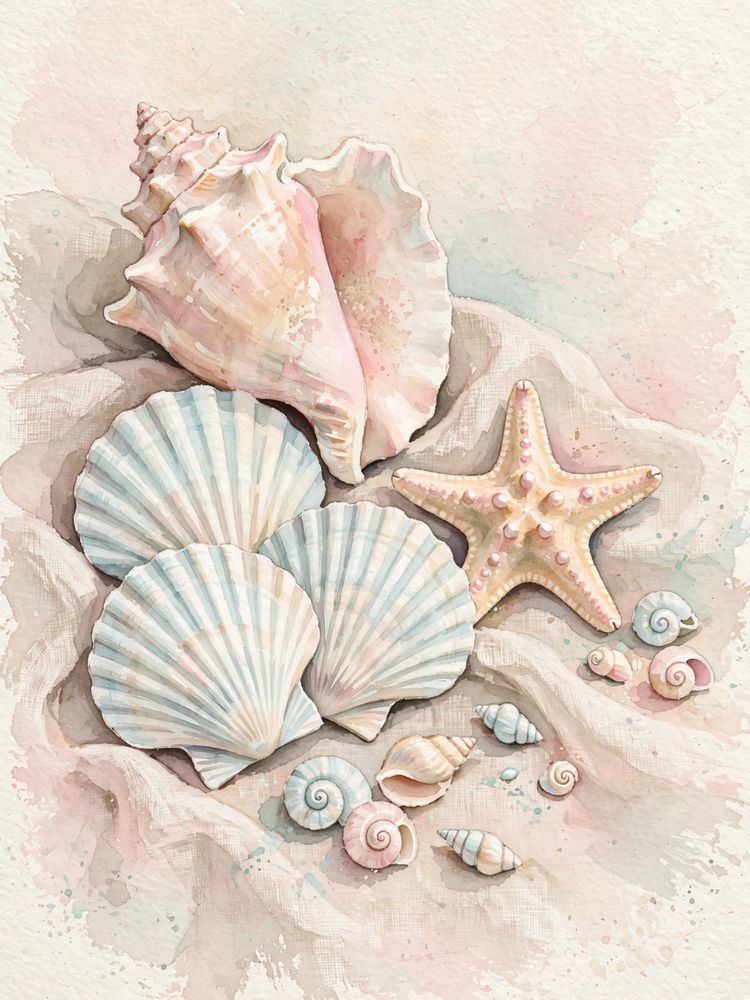
You just found the perfect digital art print, completed your checkout, and unzipped a folder containing several high-resolution JPEG files. Now you are staring at your screen thinking: "Okay... how do I actually get this onto my wall?"
You are definitely not alone. The physical printing stage is where most beginners feel overwhelmed. Choosing the wrong paper (like flimsy office copy paper) or the wrong finish (like high-gloss photo paper for a vintage painting) can turn a stunning piece of art into a cheap-looking printout.
The good news? Once you understand three simple principles—paper weight, print finish, and ratio sizing—printing your own art is fast, foolproof, and remarkably cheap. Here is the exact handbook we share with our customers.
1. Always print from the unzipped original master file (never from a screenshot or compressed phone thumbnail).
2. Choose heavy matte cardstock or fine art cotton paper over high-gloss photo paper.
3. Select the file ratio matching your frame size so your art never gets cropped or stretched.
1. The Complete Paper Guide (Weights, Finishes & Textures)
Paper is the foundation of any art print. If the paper is too light, ink will saturate the fibers, causing rippling and washed-out colors. Here is what to look for when shopping for paper:
Paper Weight
- Standard Copy Paper (20 lb / 75 gsm): Do not use this for wall art. It is strictly meant for text documents.
- Medium Cardstock (65–80 lb / 175–215 gsm): Great entry-level paper. Feeds easily through standard home printers and holds ink nicely without warping.
- Heavyweight Fine Art Paper (100–140 lb / 250–300+ gsm): The gold standard. Feels substantial, premium, and durable. This is what professional galleries and boutique Etsy printmakers use.
Paper Finish
- Smooth Matte (Recommended): Zero glare, natural velvety texture, and authentic artistic look. Excellent for oil paintings, botanical prints, vintage art, and modern minimalist line drawings.
- Fine Art Cotton Rag / Velvet: Premium textured paper made from 100% cotton. Adds tactile depth to watercolor and heritage illustrations.
- Luster / Semi-Gloss: A subtle pearl sheen. Good for high-contrast modern photography, but avoid ultra-high gloss because glare from windows and ceiling lights will obscure the art.
2. Printing at Home on an Inkjet Printer
If you have an inkjet printer at home (Canon Pixma, Epson EcoTank, or HP Envy), you can produce stunning 8x10 and 5x7 prints in under two minutes:
- Unzip the File: Open the ZIP folder on your computer and extract the master JPEG files to your desktop or documents folder.
- Open in Preview or Photo Viewer: Do not paste the image into a Microsoft Word document, as Word compresses images and ruins high resolution.
- Check Print Settings:
- Set Quality to Best or High (never "Draft" or "Normal").
- Set Paper Type to Matte Photo Paper or Heavyweight Cardstock.
- Set Scale to 100% or Fill Page with borderless printing enabled.
- Let the Ink Dry: Allow the print to sit flat for 5 minutes before placing it into your frame to prevent smudging.
3. Printing at Local Stores (Walgreens, Staples, Office Depot)
Need prints larger than 8.5x11 inches? Local print centers are the fastest and most budget-friendly route:
| Store | Recommended Product | Avg. Price | Turnaround |
|---|---|---|---|
| Walgreens | Photo Prints / Board Prints | $2.50 – $12.00 | Same Day (1–2 Hours) |
| Staples | Color Document / Poster (110 lb Cardstock) | $1.20 – $14.00 | Same Day |
| Office Depot | Heavyweight Matte Color Prints | $1.50 – $15.00 | Same Day |
Pro Tip for Walgreens: Never pay full price at Walgreens Photo. Search Google for "Walgreens photo promo code" before checking out. They almost always have an active 40% to 50% discount code.
4. Best Online Print-on-Demand Services
If you are creating a centerpiece gallery wall and want museum-quality archival printing, consider uploading your files to an online fine art printer:
- FinerWorks: Exceptional archival giclée printing on genuine watercolor paper and stretched canvas. Highly recommended for vintage oil art.
- Mpix: Renowned for color fidelity and heavy cardstock options. Reliable packaging and fast US shipping.
- Shutterfly: Great balance of price and quality for standard 16x20 and 24x36 poster prints.
5. How Aspect Ratios Prevent Cropping Mistakes
When you download art from ThreadByteCreative, you receive 5 different ratio folders (2:3, 3:4, 4:5, 11:14, and ISO). Each ratio corresponds to specific frame sizes:
- 4:5 Ratio File: Prints 4×5", 8×10", 12×15", 16×20".
- 2:3 Ratio File: Prints 4×6", 8×12", 12×18", 16×24", 20×30", 24×36".
- 3:4 Ratio File: Prints 6×8", 9×12", 12×16", 15×20", 18×24".
- 11:14 File: Specifically formatted for standard 11×14 inch frames.
- ISO File: Standard international A5, A4, A3, A2, A1 sizing.
If you want a classic 8×10 inch frame, open the 4:5 Ratio file. If you want a large 24×36 inch poster, open the 2:3 Ratio file.
6. 4 Pro Tips for Flawless Wall Hanging
- Clean the Glass First: Wipe both sides of your frame's glass with a microfiber cloth before inserting your print. Trapped dust motes will drive you crazy once the frame is on the wall.
- Use Acid-Free Tape: When securing your print behind a mat board, use artist's acid-free drafting tape along the top edge only. This allows the paper to expand and contract naturally without wrinkling.
- Hang at Eye Level: The standard gallery rule is to position the center of your artwork 57 to 60 inches from the floor.
- Hang in Groups of Three: Interior designers love odd numbers. Three coordinating prints side-by-side create natural balance and symmetry.
Ready to Start Printing?
Test out your printer or local shop with our free 300 DPI high-resolution downloads, complete with all 5 ratio files included.
Download Free Sample Art View Full Sizing Chart